
Benefits
Heading
lorem
- 01
heading
In partnership with RIST, we refined learning outcomes and translated core training content into immersive, experience-driven modules.
- 01
heading
description
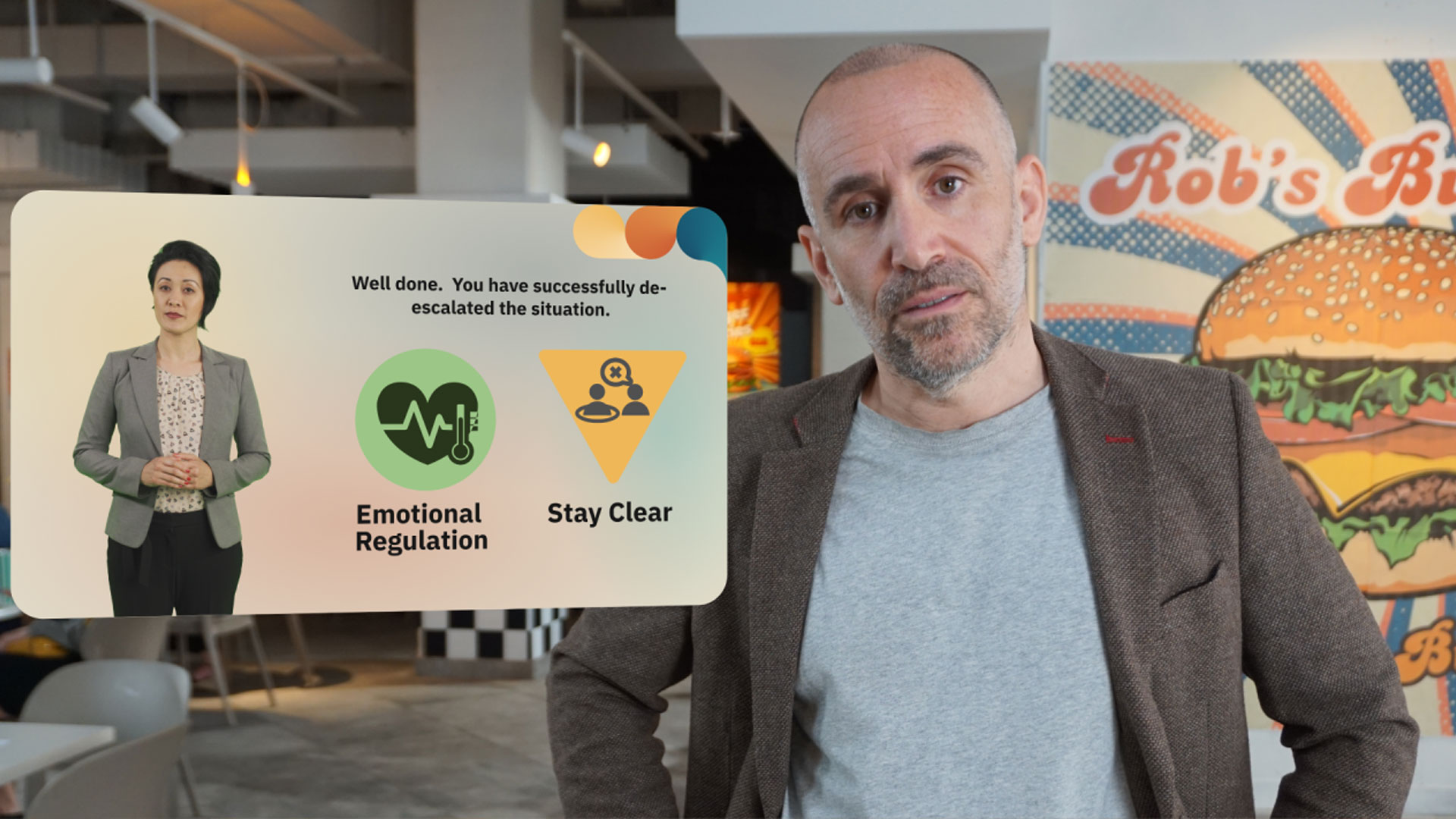
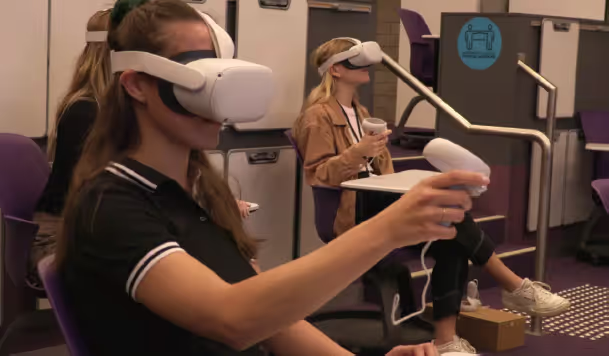
We’ve seen significantly higher engagement and far more meaningful classroom discussions after students complete VR training.

Lorem ipsum dolor sit amet, consectetur adipiscing elit. Suspendisse varius enim in eros elementum tristique. Duis cursus, mi quis viverra ornare, eros dolor interdum nulla, ut commodo diam libero vitae erat. Aenean faucibus nibh et justo cursus id rutrum lorem imperdiet. Nunc ut sem vitae risus tristique posuere.
Introduction
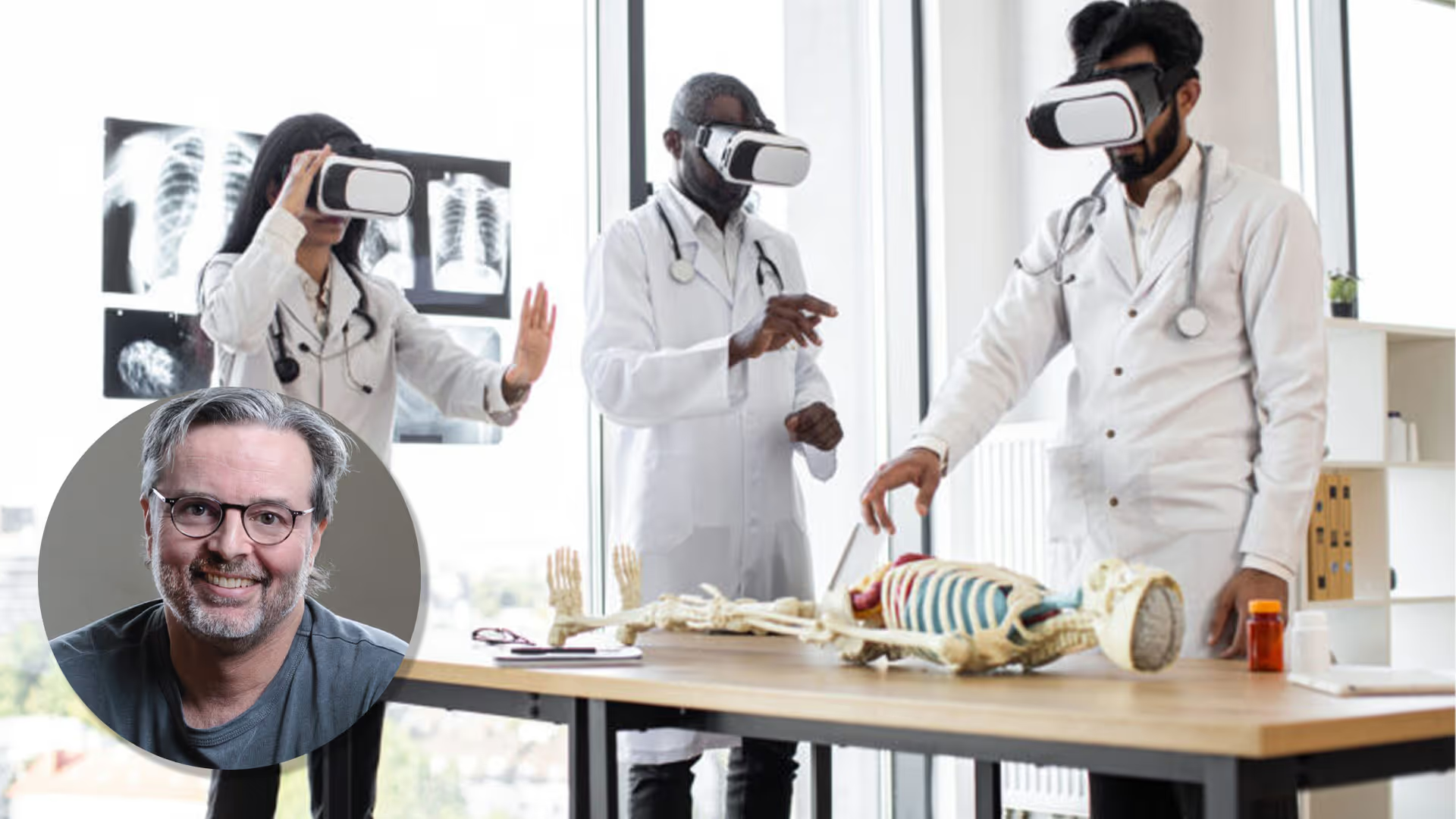
Traditional aged care training often relies on written materials that can’t demonstrate movement, fit or safety risks in a realistic way.
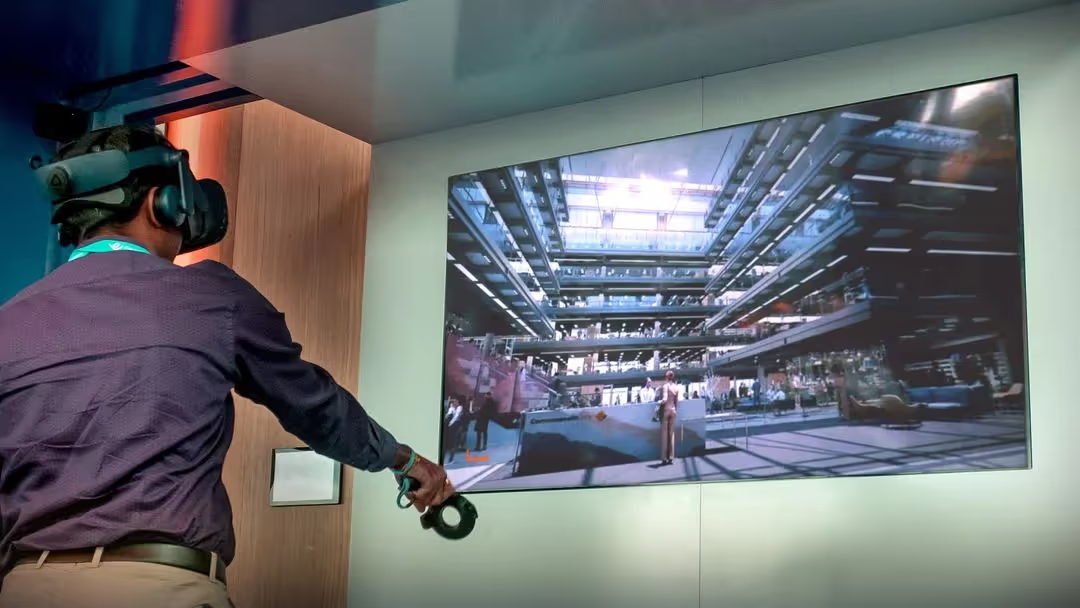
To address this gap, Start Beyond partnered with iLA to create an immersive virtual reality experience and an augmented reality support tool that improves support worker training and enhances independent living assessments. The combined VR and AR program helps workers build confidence with assistive technologies, make informed decisions and communicate clearly with clients during home visits.
This pilot is emerging as one of Australia’s leading digital innovations in aged care training and disability awareness training for support workers.
iLA is a for-purpose organisation dedicated to helping older Australians and individuals with disabilities make informed decisions about living and ageing well. As a delivery partner for the Australian Government’s Aged Care Data and Digital Strategy, iLA develops innovative tools that support reablement, informed choice and person-centred care.
Solution
Start Beyond worked with iLA’s subject matter experts to design an immersive VR and AR learning experience delivered through Start Beyond’s world-leading Oncio platform.
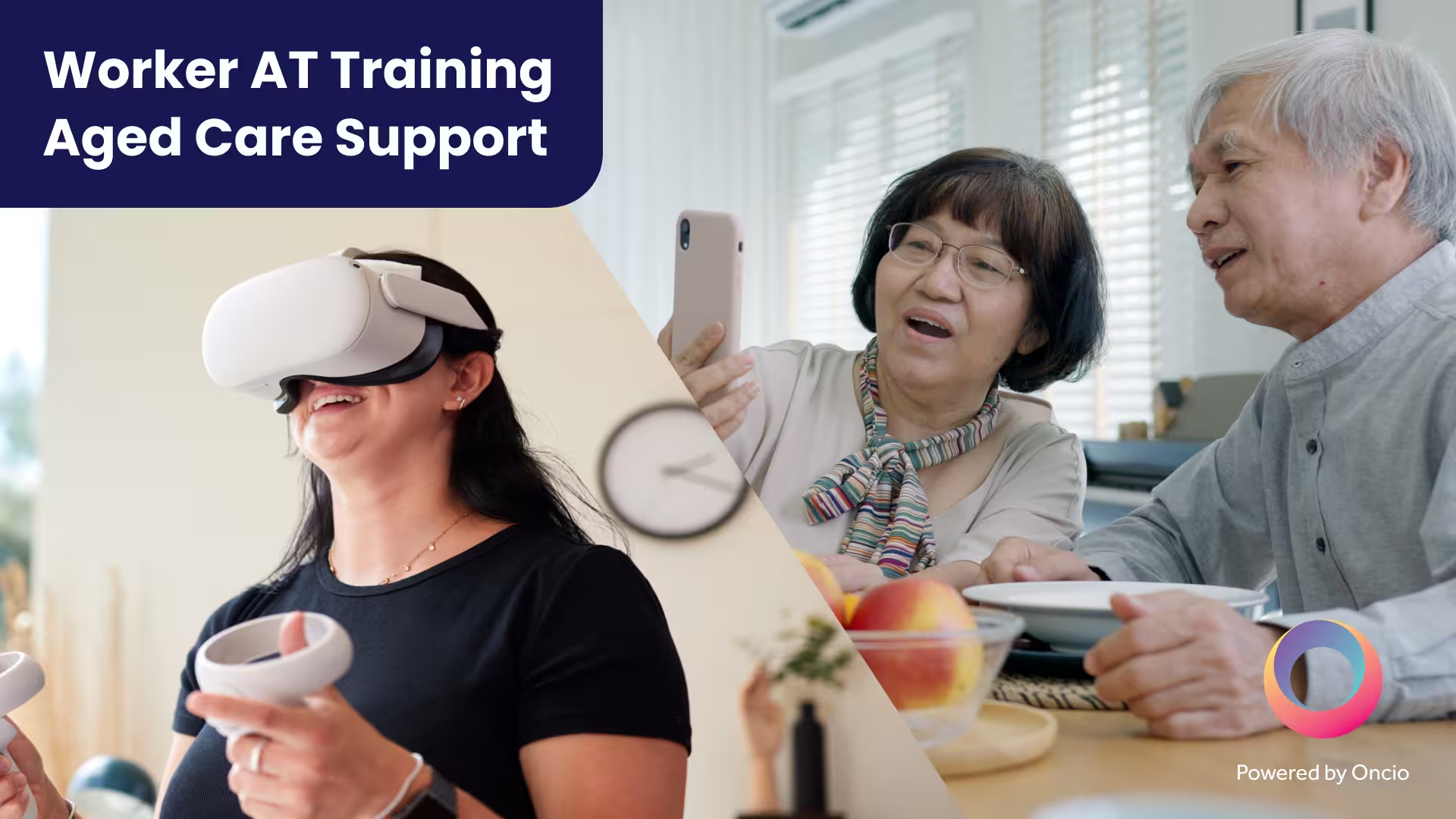
The training program includes two integrated tools: an augmented reality mobile app used during home visits, and a virtual reality experience designed for aged care and disability support workers to experience scenario-based learning in simulated homes.
Together they strengthen aged care and disability support worker training, improve assistive technology assessments and foster confident, person-centred care.
What Support Workers Gain from the VR and AR Experiences
- Stronger evaluation skills during independent living assessments
- Confidence in identifying and explaining appropriate assistive technologies
- Improved communication and trust between workers and clients
- Better understanding of client needs and the accommodations required for effective support, including safe product configuration
- Safe and engaging realistic scenario-based learning experiences
- Cost-effective alternatives to transporting physical equipment
- Person-centred decision-making that supports independence at home

Process
Virtual Reality Experience for Scenario-Based Learning
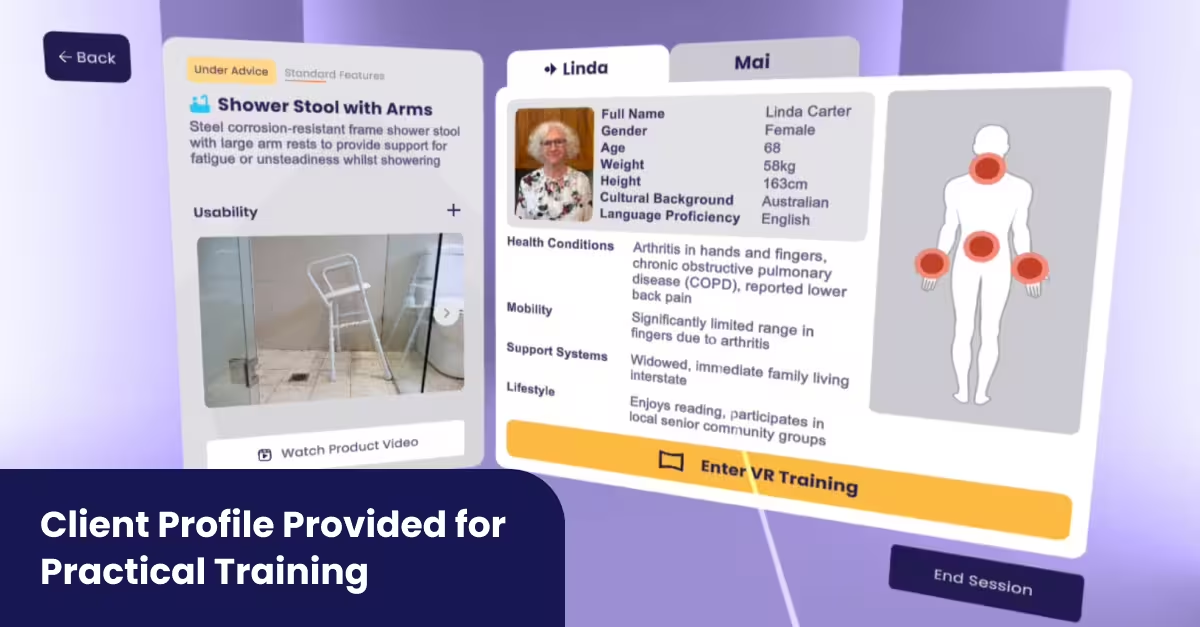
An immersive virtual reality experience that builds support worker confidence
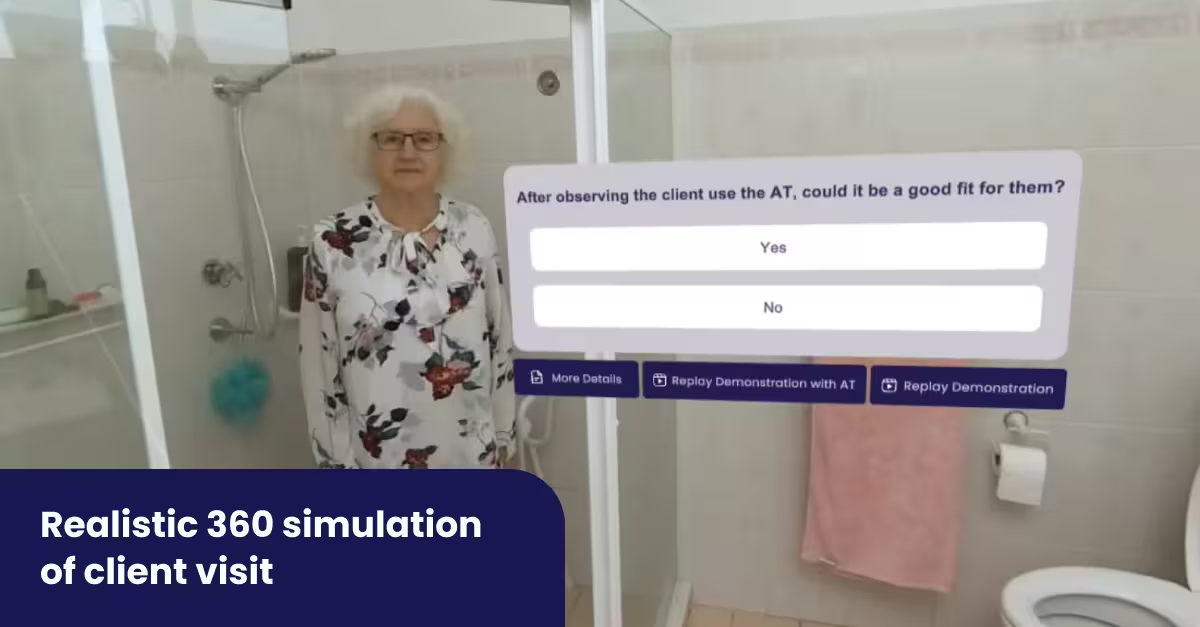
The iLA VR program gives aged care and disability support workers a safe environment to practise assessments and understand how assistive technologies support people in daily life. Inside realistic home environments, learners observe each client completing everyday tasks before reviewing appropriate AT options.
The Result
AR Impact
Testing with support workers and OTs highlighted the value of the AR app in building trust, improving client conversations and reducing reliance on carrying physical AT into homes.
Older adults responded well too, describing the tool as straightforward and engaging. It remains a prototype, but the initial results point to strong potential for enabling more informed, person-centred choices.
VR Impact
Evaluation by the Central Coast Health and Wellbeing Living Lab, in collaboration with the University of Newcastle, found clear gains across workforce capability.
Support workers and OTs reported feeling better equipped to talk with clients, weigh up options and understand how assistive technologies fit into daily life.
The VR component was regarded as a realistic and scalable method for developing workforce skills. Although broader testing is still required to shape future accessibility features, the early signs point to strong potential for VR in aged care training.
By investing in smarter digital tools, iLA is helping shape a future where independent living assessments are more accurate, conversations are more informed and people can make decisions that better support ageing and living with disabilities.

How the Immersive Aged and Disability Care Training Works
Augmented Reality Mobile App
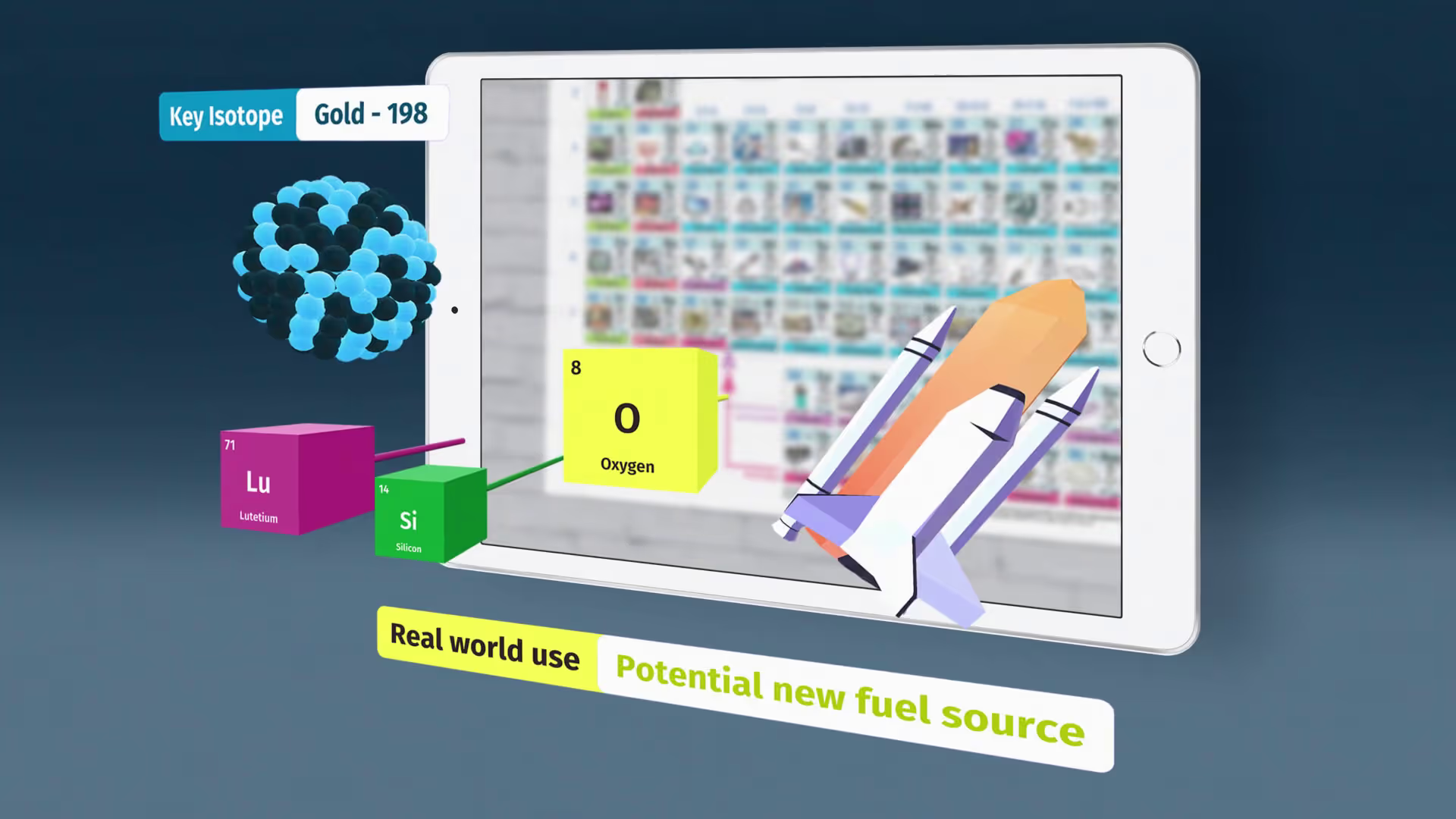
LA’s AR mobile app uses high-fidelity 3D models to help support workers visualise assistive technologies directly in a client’s home.
Workers can show clients how each product looks, moves and fits inside their space. The AR experience reduces the need to transport physical equipment and helps clients understand how each item supports safe, independent living.
Key features
- Interactive 3D models of eight assistive technologies
- AR placement to check size, movement, reach and fit
- Guided demonstrations showing movement, storage and safe use
- Designed to support meaningful care conversations during independent living assessments
Frequently Asked Questions
VR places workers inside realistic home environments where they can observe client needs and explore assistive technologies safely. The scenario-based learning examples guide users through everyday tasks, functional challenges and assistive technology options so they can build confidence before applying these skills in real homes.
Evaluation showed stronger decision-making, clearer understanding of assistive technology use and improved confidence in discussing options with clients.
It allows workers to place accurate 3D models of assistive technologies directly into a client’s home so they can see how each item looks, moves and fits.
This helps clients understand size, reach and safe use in their own space which reduces uncertainty and supports more informed decisions.
User testing with older adults showed the AR experience made care conversations clearer and helped build trust in the recommendations made.
8 assistive technologies are featured across both the AR app and VR simulations, each with detailed demonstrations.They include shower stool, toilet support arms, tablet dispenser, wedge cushions, tipping kettle, compact oven, car bar and collapsible trolley.
The modular design allows new client personas, products and environments to be added easily. The AR app and VR experience are both built for growth.
Assessment skills, risk identification, decision-making, equipment configuration and confidence in recommending assistive technologies.

Start Beyond is Australia's award-winning VR/AR studio, founded in Surry Hills in 2015 and now spanning Sydney, Melbourne and Brisbane. Led by CEO Angus Stevens, the team builds immersive training experiences for clients including Meta, Strivr, UTS, CommBank and Woolworths.


.avif)